Choose an animal or group
Open one animal profile, or use multi-selection in the herd screen to choose animals for a bulk vaccination.
Health record organization
Attach each operation to the correct animal, follow reminder or check tasks when the relevant protocol is enabled, and review repeats in animal history.
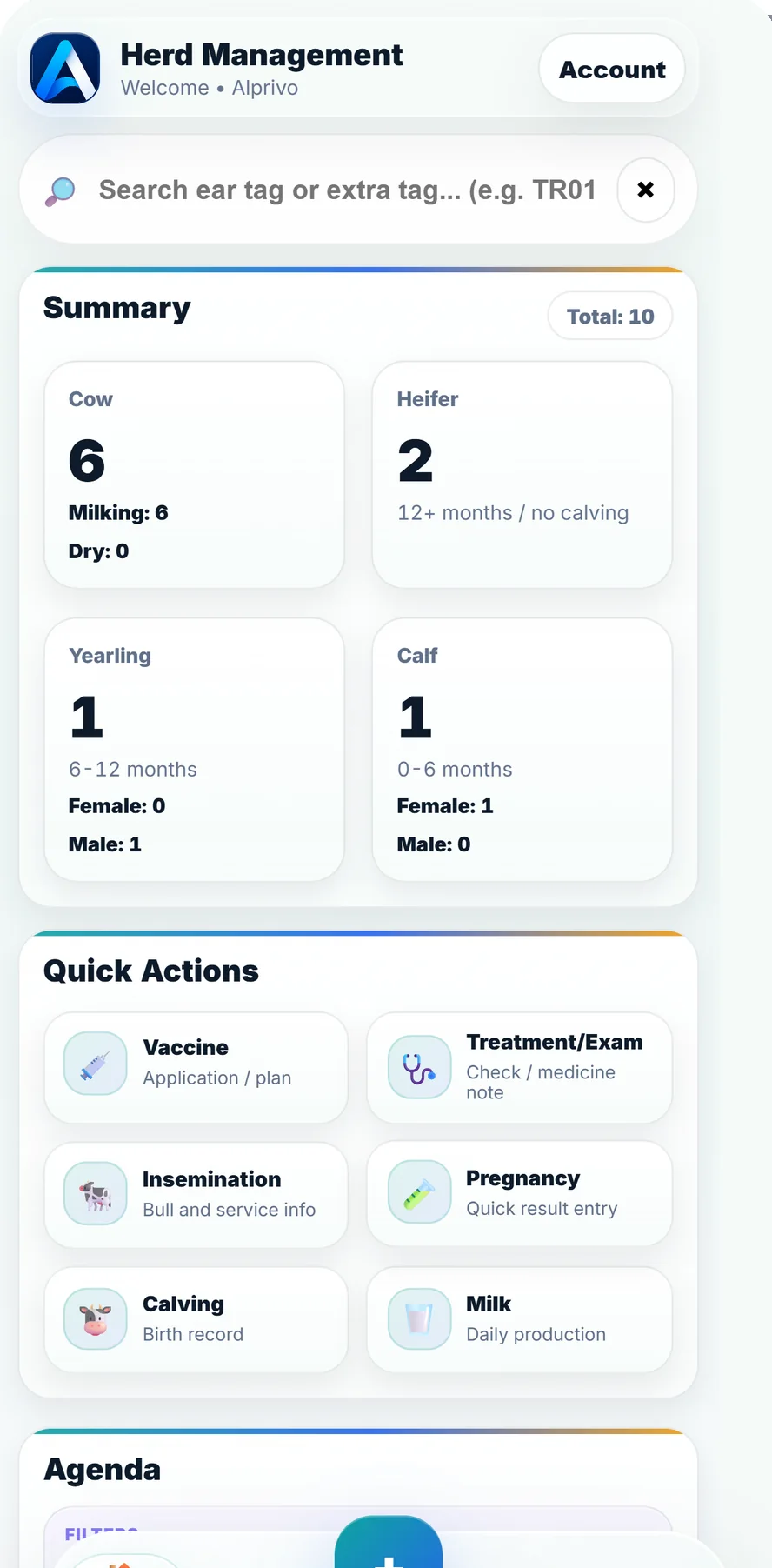
Real quick-action application screen
Operation type, animal, and date meet in the same event record.
Animal selection, the actual operation, and follow-up stay in one flow.
Open one animal profile, or use multi-selection in the herd screen to choose animals for a bulk vaccination.
Match the vaccination, treatment, or examination entry to the operation and date used on the farm, adding an animal note when useful.
When its protocol is enabled, find the repeat or check task in the agenda and distinguish upcoming work from overdue work.
Records and tasks connect prior and subsequent work for the same animal.
The app records work and organizes the agenda. It does not diagnose, select treatment, or prescribe clinical timing.
Short answers about bulk records, follow-up tasks, and clinical boundaries.
Yes. Multi-selection in the herd screen supports a bulk-vaccination flow for selected animals.
No. Follow-up work is created only when the relevant agenda protocol is enabled.
No. Protocols organize farm work; your veterinarian's plan remains authoritative for clinical decisions and action.