Find the animal
Search by tag or secondary tag in the herd screen, then narrow the working group with filters and sorting.
Herd organization
Find an animal by tag or secondary tag, then review identity, events, pending tasks, reproduction, weight, notes, and timeline in the same profile.
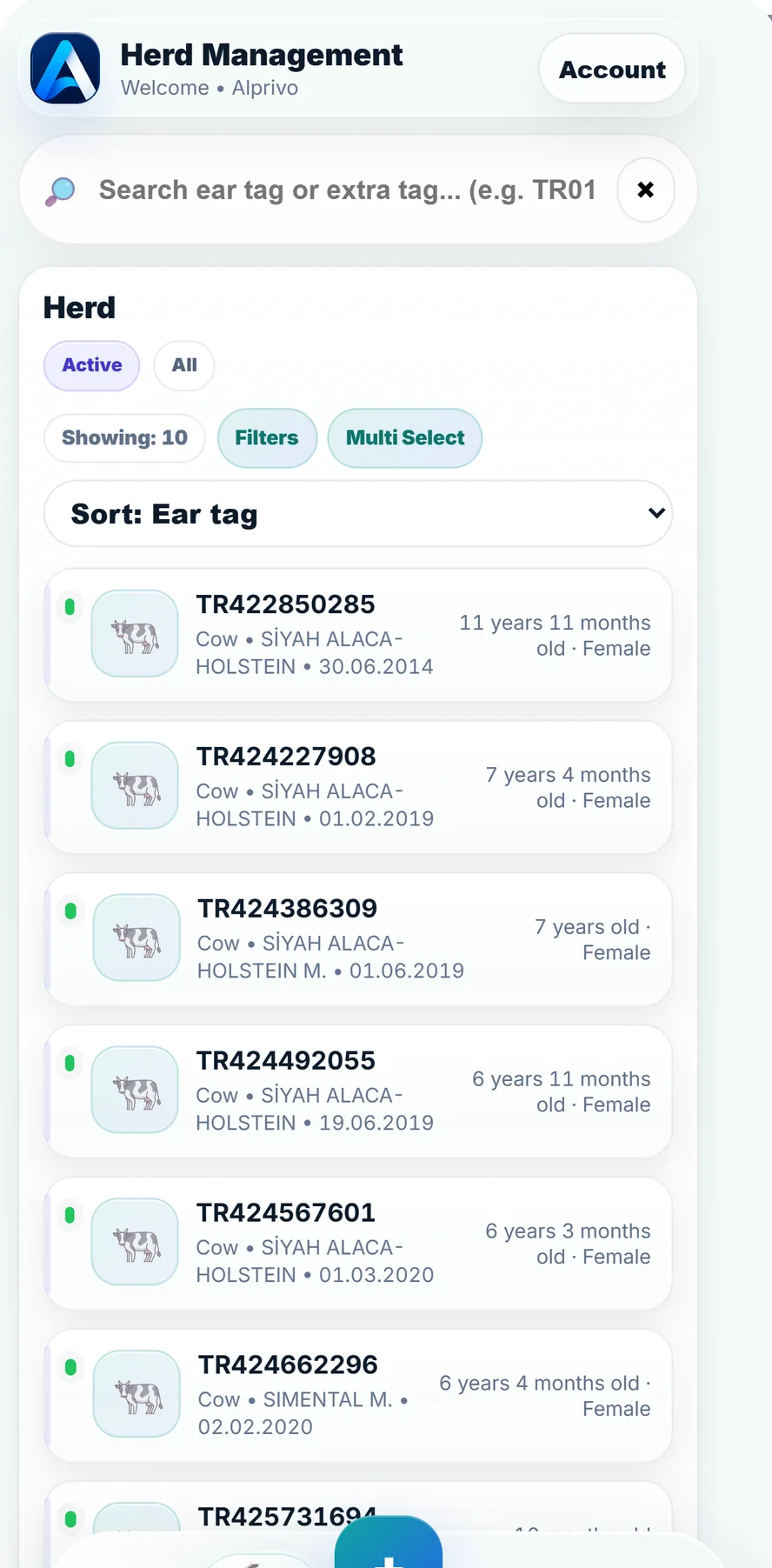
Real herd application screen
An animal profile is more than a list entry. It is the record behind daily work.
Search, review, and record without losing the animal context.
Search by tag or secondary tag in the herd screen, then narrow the working group with filters and sorting.
Read pending work, recent events, reproduction summary, weight, notes, and the timeline alongside identity and status.
Add a new event through a quick action, or use multi-selection for a suitable bulk task or bulk vaccination.
Each new entry adds context for later animal-level and herd-level checks.
Bulk work saves steps, but the operator still needs to confirm the scope before saving.
Practical boundaries for search and bulk work.
Yes. Herd search supports both the primary tag and the secondary tag.
Yes. Multi-selection supports bulk tasks and bulk vaccination; review the selection before confirmation.
Yes. The guide's Excel flow accepts .xls and .xlsx files only, with a preview and plan-limit check.