Open the dam record
Start calving from the animal profile or quick action, then confirm that you are working on the correct dam.
Birth records
Record whether the birth was live or still and whether one calf or twins were born, add tag and sex details, then link each live calf record to its dam.
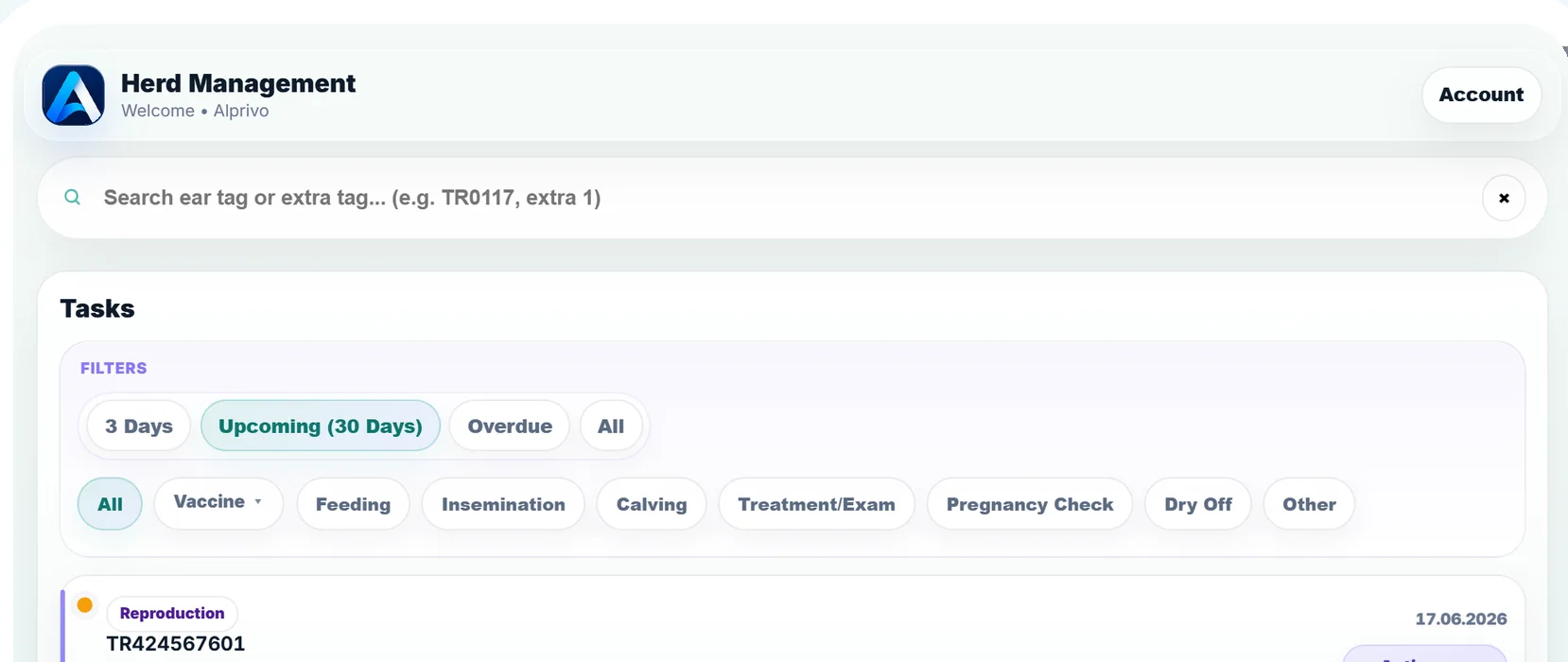
Real agenda application screen
The flow captures the birth outcome and the new animal record without splitting the context.
The dam, outcome, and calf details stay in the same sequence.
Start calving from the animal profile or quick action, then confirm that you are working on the correct dam.
Record whether the birth was live or still, whether one calf or twins were born, and the date shown in the farm record.
For a live birth, add tag and sex, then review the link between the new calf record and the dam.
A completed flow leaves traceable history for the dam and each live calf.
The calving flow needs connectivity, and its outcome must reflect the observation on the farm.
Short answers about outcomes, links, and follow-up work.
Yes. The flow supports both single and twin births.
Yes. The live calf record created in the flow is associated with the selected dam.
No. They are created only when the relevant agenda protocol is enabled.