Choose the record level
Open the milk quick action and decide whether this entry is a farm total or belongs to an individual animal.
Production records
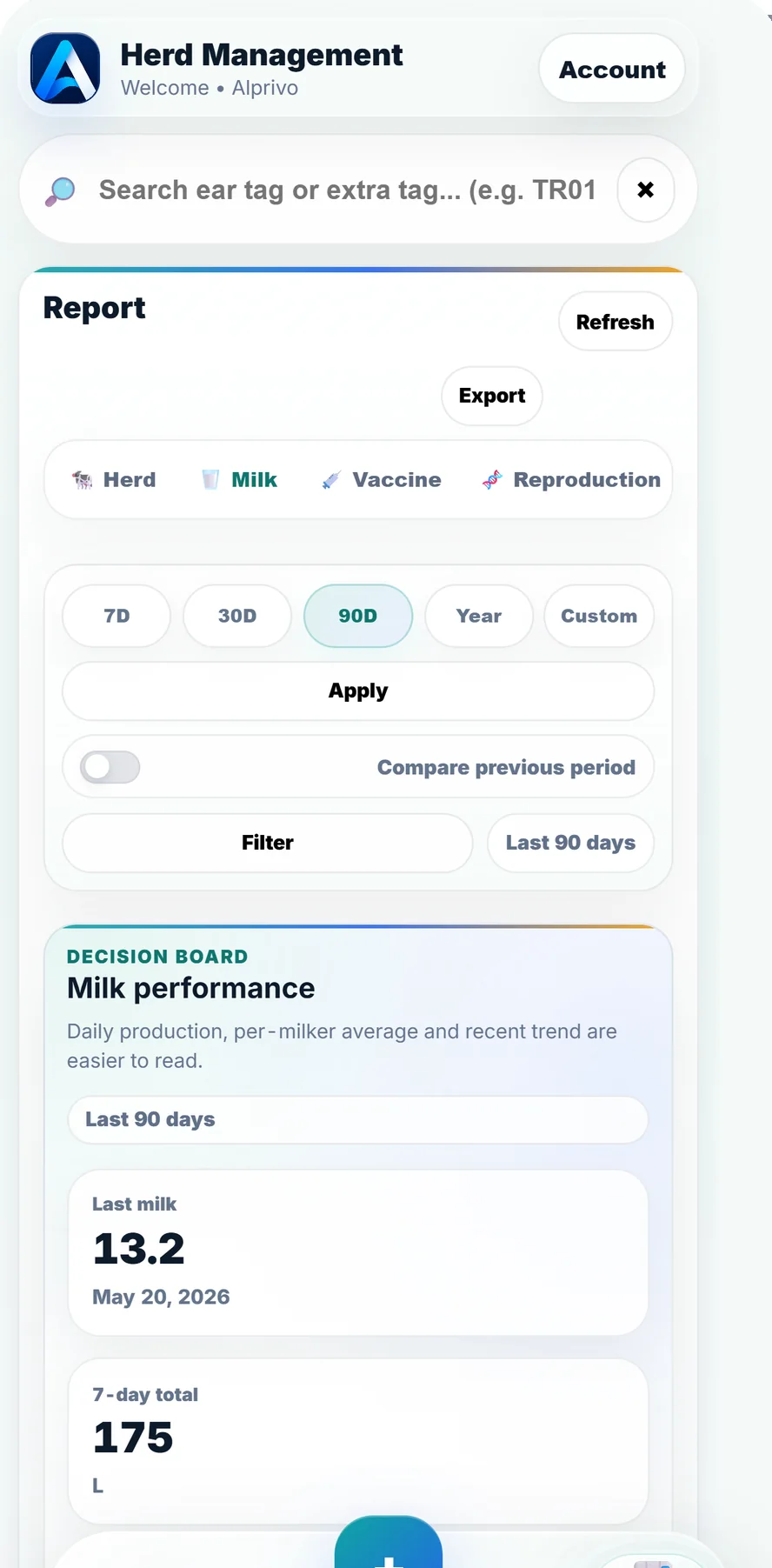
Record a farm total or animal-level milk, then read daily detail, trends, animal ranking, and previous-period comparison in the same reporting flow.
Real reports application screen
Choose the level that matches the way your operation captures milk.
Entry level, detail, and reporting stay in one record chain.
Open the milk quick action and decide whether this entry is a farm total or belongs to an individual animal.
Enter the correct date and amount. For animal-level work, confirm that the entry is attached to the right profile.
Open the milk report, select a date range, and review daily detail, trend, previous period, and animal ranking together.
The report places a single day's amount inside a broader operating context.
A useful comparison depends on keeping the entry approach consistent across the period.
Short answers about record and output formats.
Yes. Milk can be recorded as a farm total or at animal level.
Yes. The milk report supports date ranges and comparison with the previous period.
The supported milk report can be exported as a language-aware PDF or Excel file.